

Bing Search APIs
Enrich your applications with the power of Bing
Bing Search APIs
Add search capabilities to your site with our suite of APIs that enable searching via an API for Web, Images, News, Videos, Entities, Visual Search, Custom Search, Autosuggest and Spell.
Bing Search APIs, with your LLM
Use the Bing Search APIs to display search results next to your LLM experience.

Bing Web Search
Enable safe, ad-free, location-aware search results, surfacing relevant information from billions of web documents.



Bing Custom Search
An easy-to-use, ad-free, commercial-grade search tool that lets you deliver the results you want.

Bing Autosuggest
Help users complete queries faster by adding intelligent type-ahead capabilities.
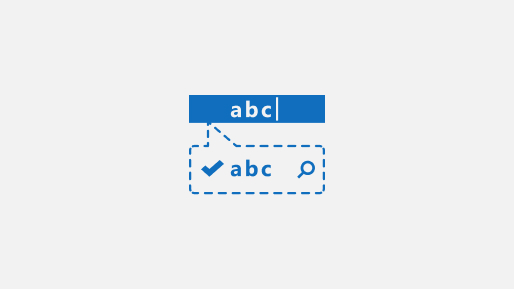
Bing Spell Check
Help users identify and fix word breaks, slang, names, homonyms, and brands.


Bing Entity Search
Enrich your experiences by identifying and augmenting entity information from the web.


Bing statistics add-in
Inform your strategic decisions with the Bing Statistics add-in. Quickly retrieve statistics such as your top queries, call volume, market distribution, response code summary, and many more.